Searching Customer Metafields in POS
To be able to search for customer metafields in Shopify POS, ensure you have imported your metafield definitions and values into MetaSeek.
The video guide below outlines how to search for customer metafields in the MetaSeek POS app.
Searching for customer metafields
Ensure that you've correctly set up MetaSeek in Shopify POS.
Follow the instructions below to search for customer metafields:
-
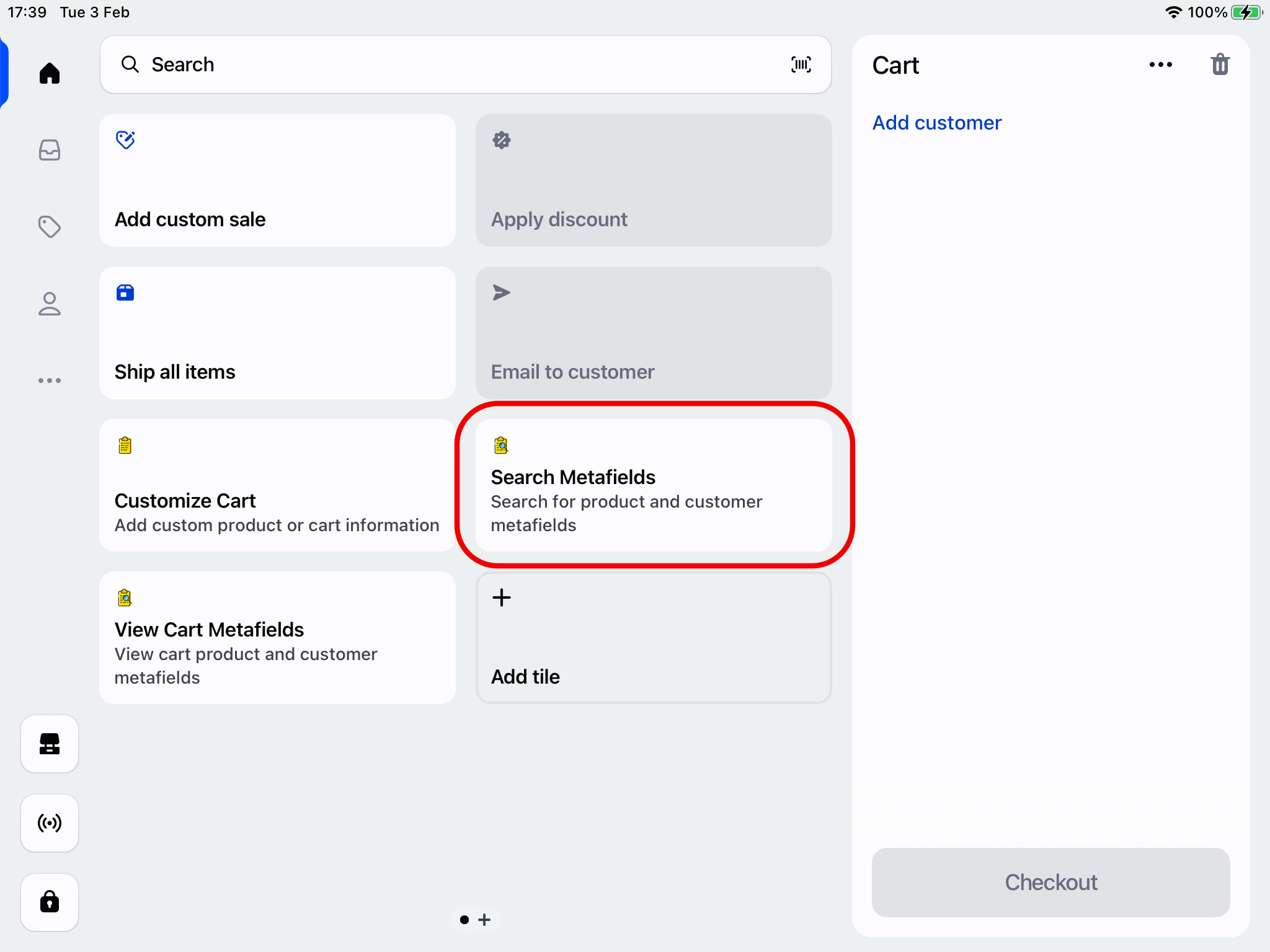
Open the MetaSeek POS app by clicking the Search Metafields POS smart grid tile
-
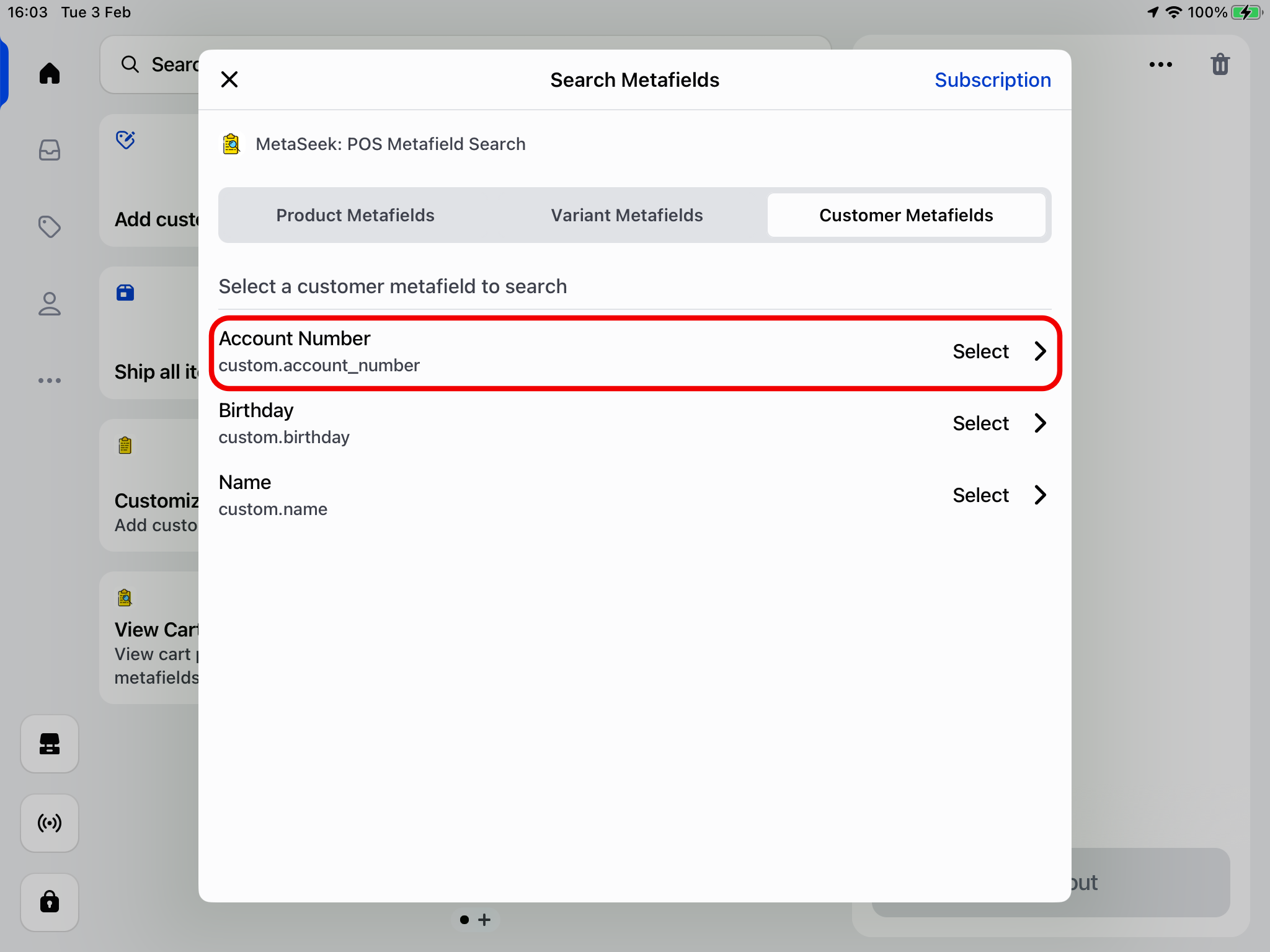
Select the Customer Metafields tab, where all of your imported metafield definitions will be listed. Click on a metafield definition to begin searching for metafields
-
Enter a search value and any matching customers will be listed below. Different search options can be applied depending on the type of metafield you're searching for:
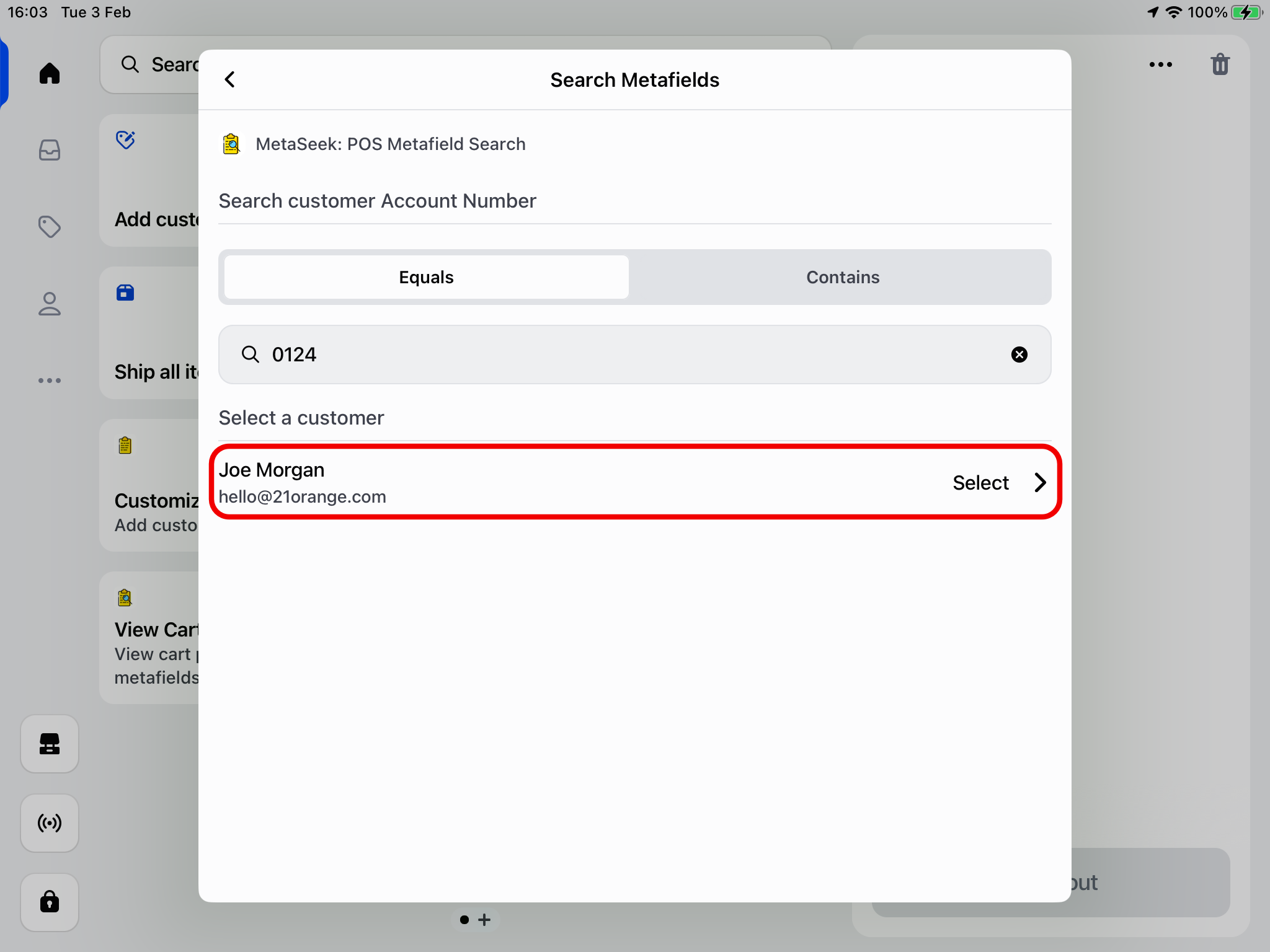
For example, the search term 0124 above corresponds to the account number metafield value set for the Joe Morgan customer
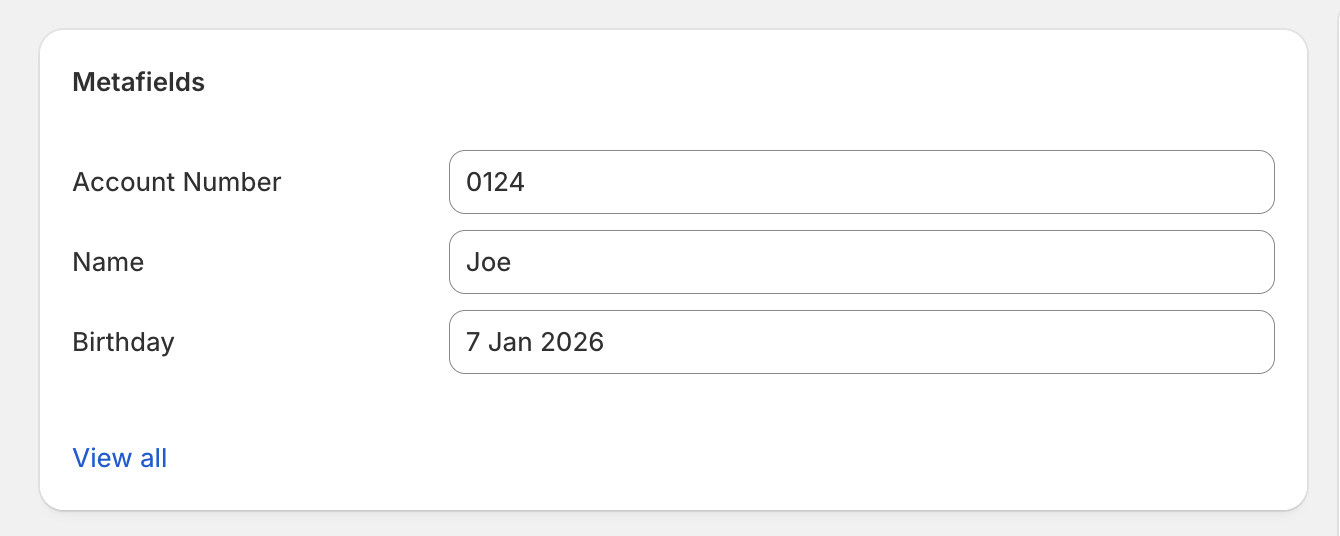
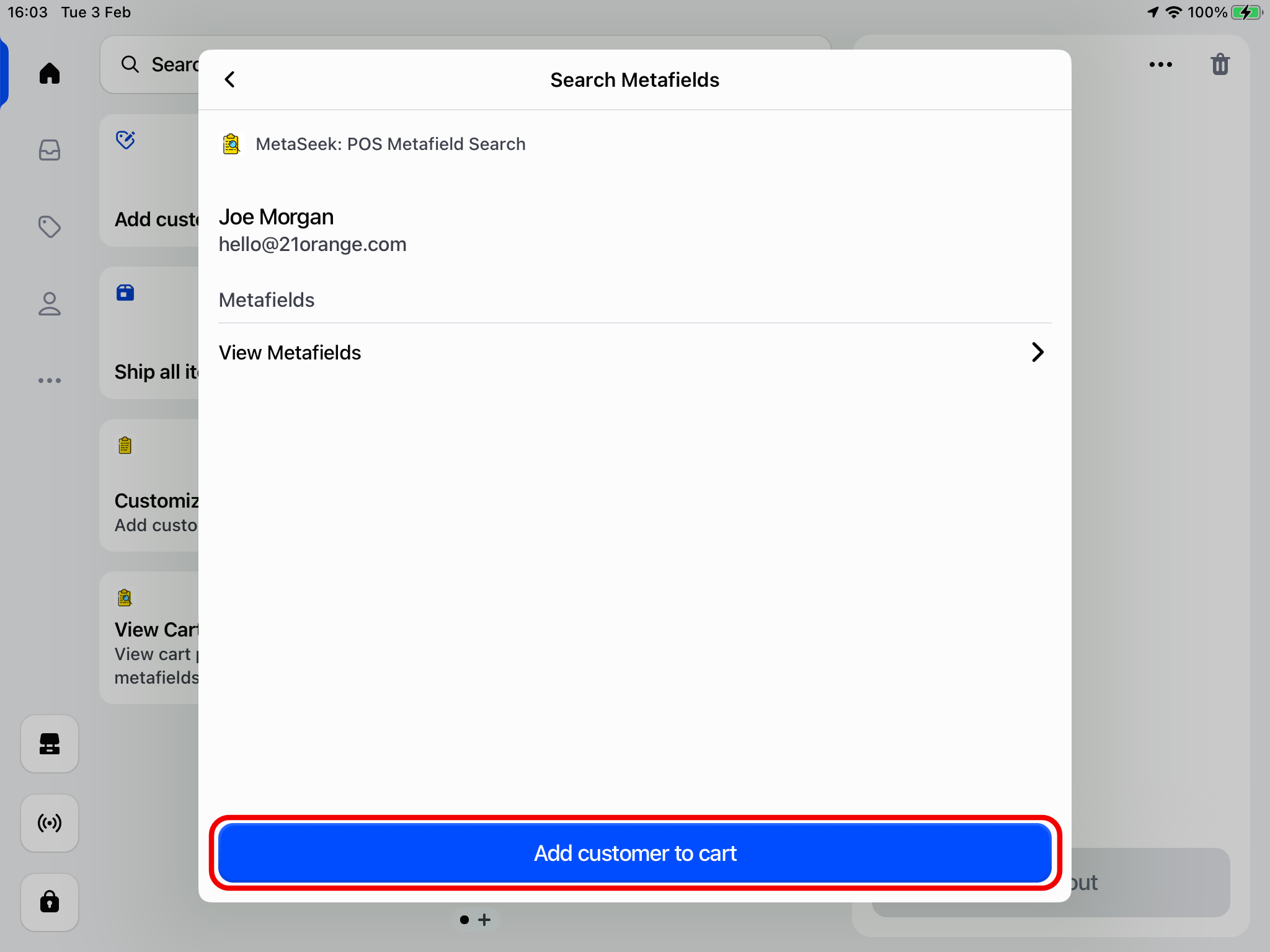
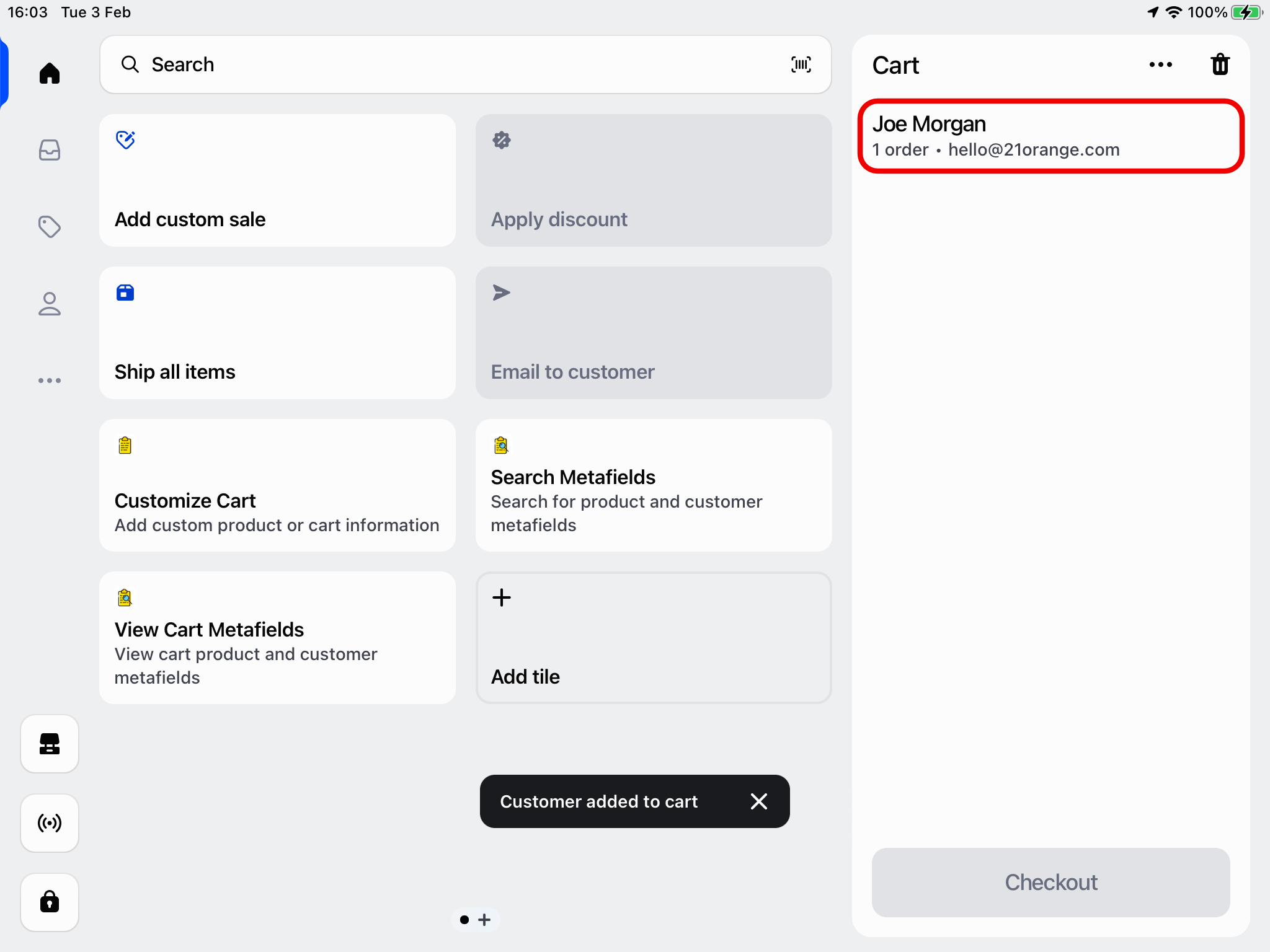
- Once you've selected a customer, you're able to view the customer details/metafields, and add them to the cart