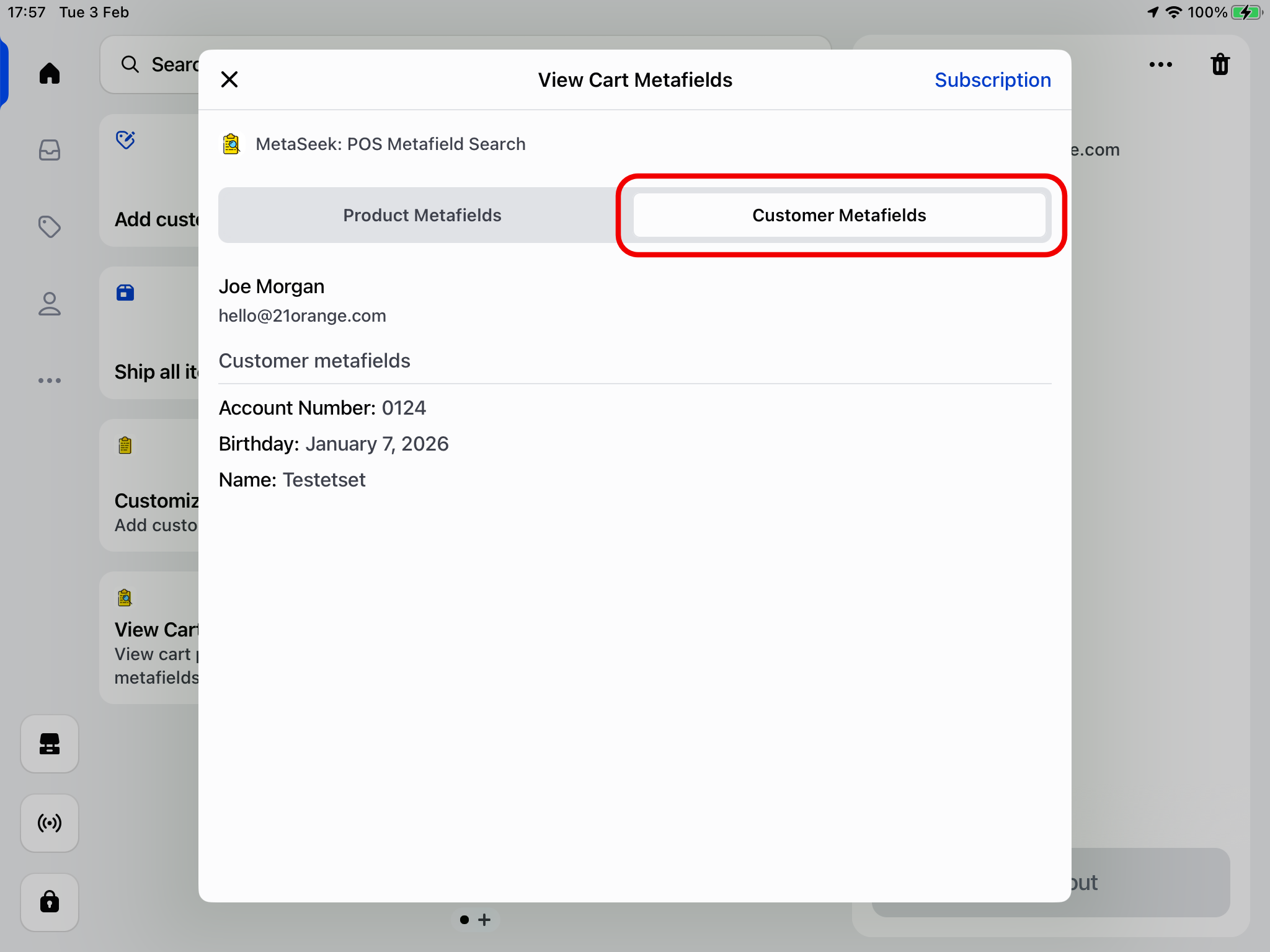
Viewing Cart Customer Metafields in POS
To be able to view customer metafields in Shopify POS, ensure you have imported your metafield definitions and values into MetaSeek.
The video guide below outlines how to view customer metafields in the MetaSeek POS app.
Selecting which metafields can be viewed
In the MetaSeek Shopify Admin app, you can set whether a metafield should be visible in the Metaseek POS app, by toggling the Show In View Tile setting:

Viewing cart customer metafields
Ensure that you've correctly set up MetaSeek in Shopify POS.
Follow the instructions below to quickly view the metafields of the customer added to the cart:
-
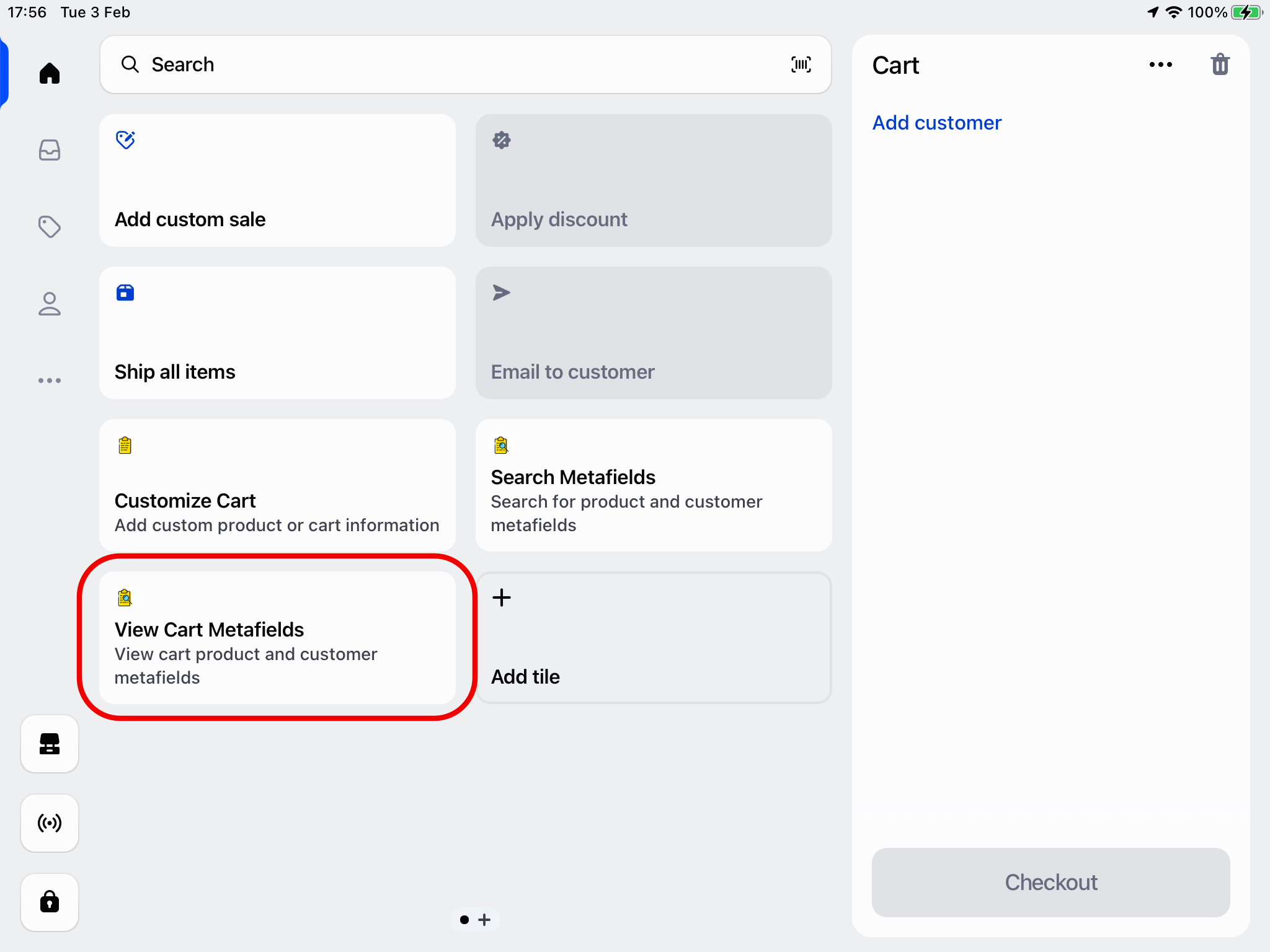
Open the MetaSeek POS app by clicking the View Cart Metafields POS smart grid tile
-
Select the Customer Metafields tab - the customer metafields will be listed below