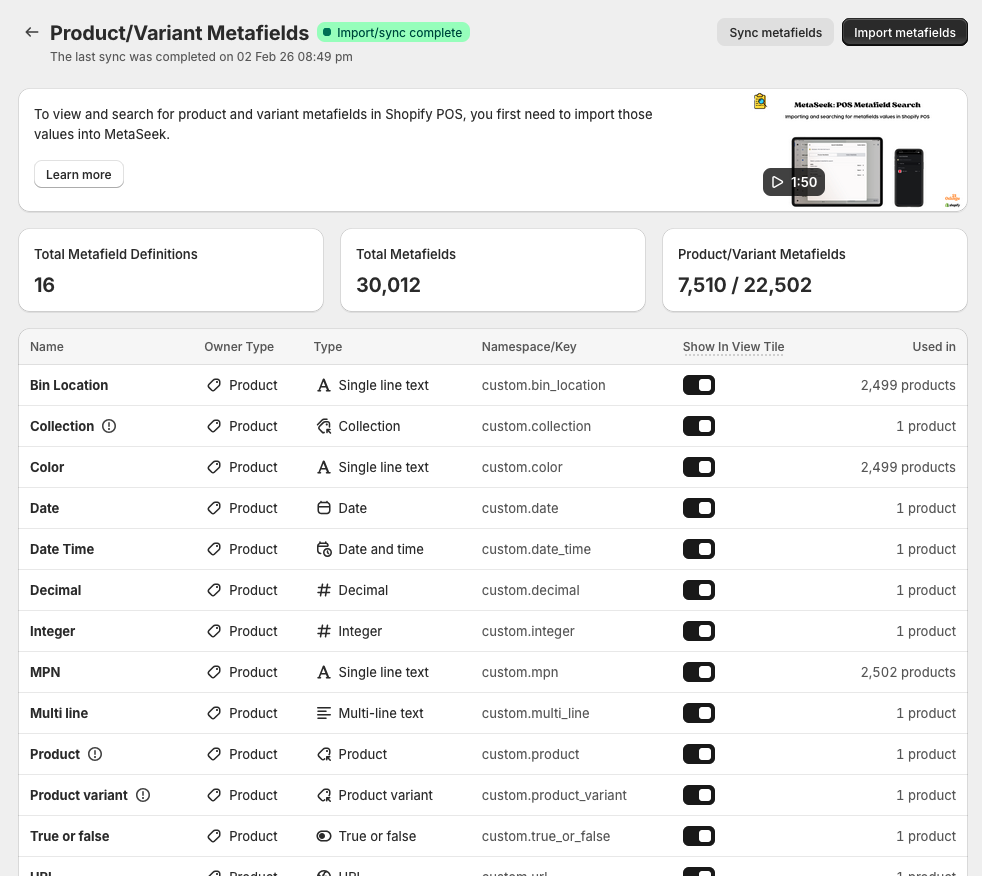
Importing Product Metafields
To be able to search for product and variant metafields in Shopify POS, you first need to import the metafield definitions and values into MetaSeek. The video guide below outlines how to import metafield definitions and values into MetaSeek.
Importing metafield definitions and values
-
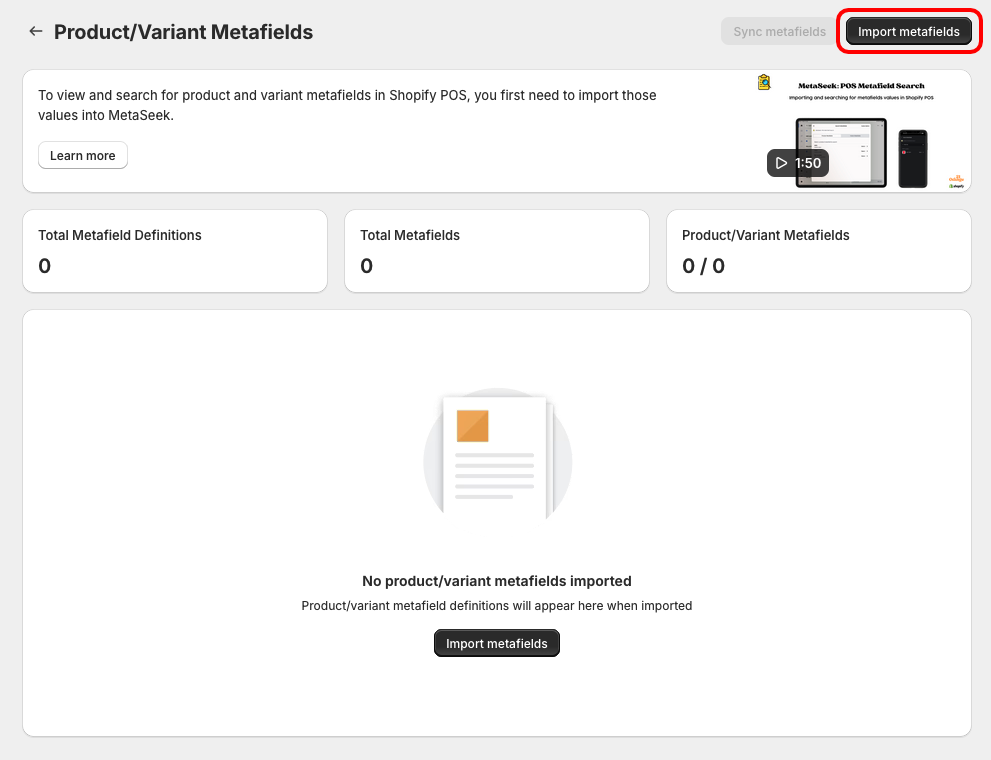
Head to the Product Metafields page in the MetaSeek Shopify Admin app
-
Click the Import Metafields button, which will open a modal
-
Select which product and variant metafield definitions you'd like to be searchable within the POS app
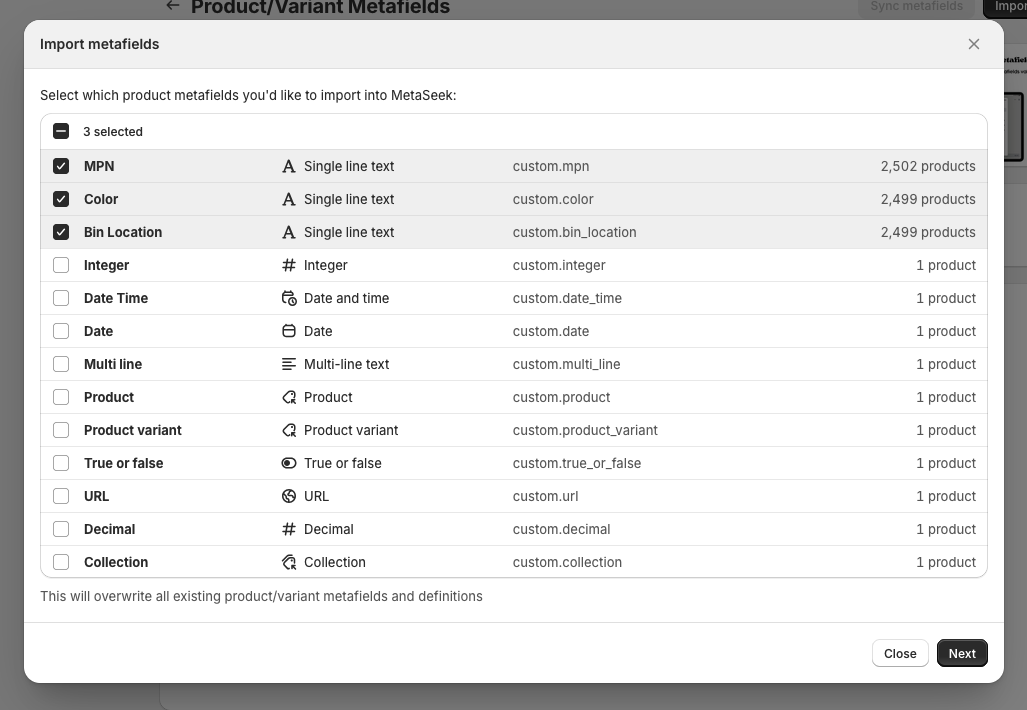
For example, you may have a product metafield that stores manufacturer part numbers. If you'd like to be able to search for those part numbers within the POS app, ensure that the manufacturer part number metafield definition is imported into Metaseek
- Click Import - this will begin importing the metafield definitions and values into MetaSeek
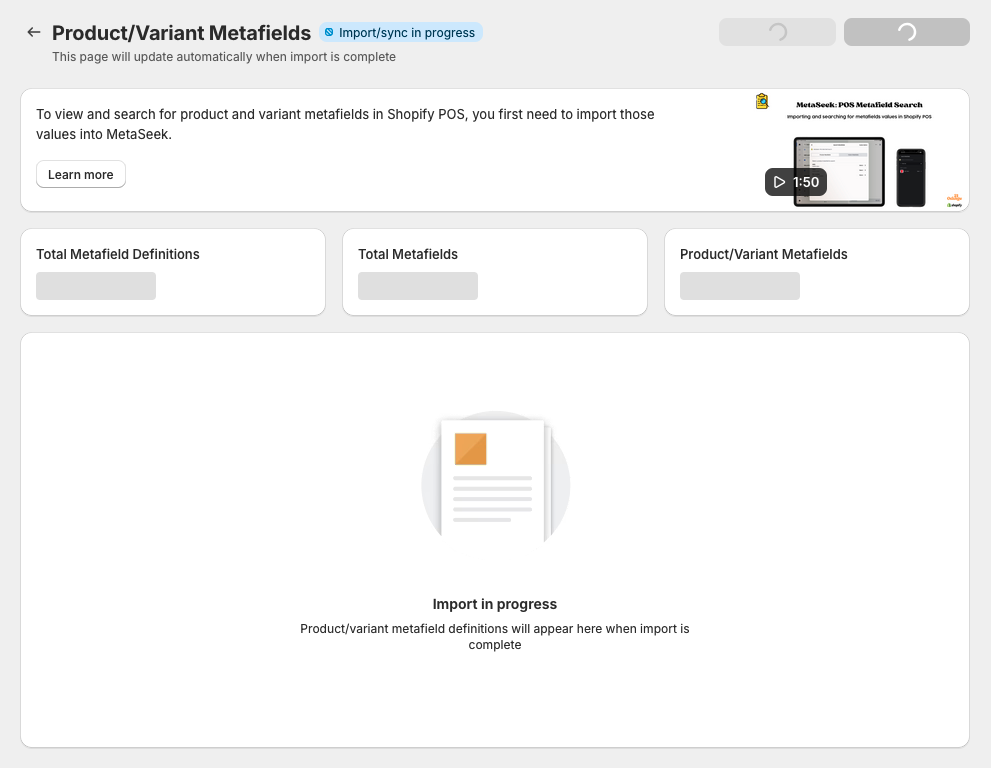
When the import is complete, the table will display all of the metafield definitions that are searchable within the MetaSeek POS app.