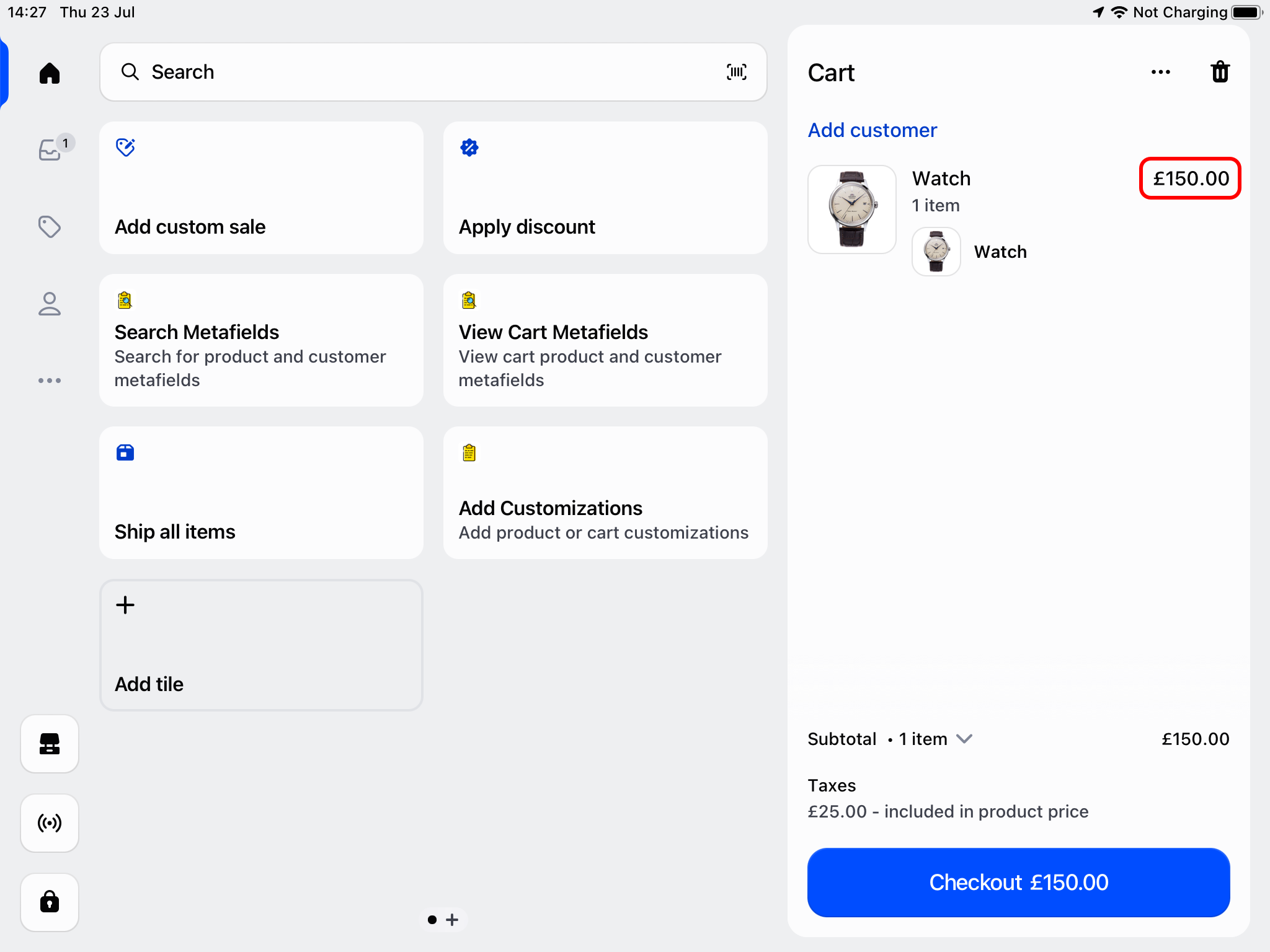
How can I edit the base price of a product?
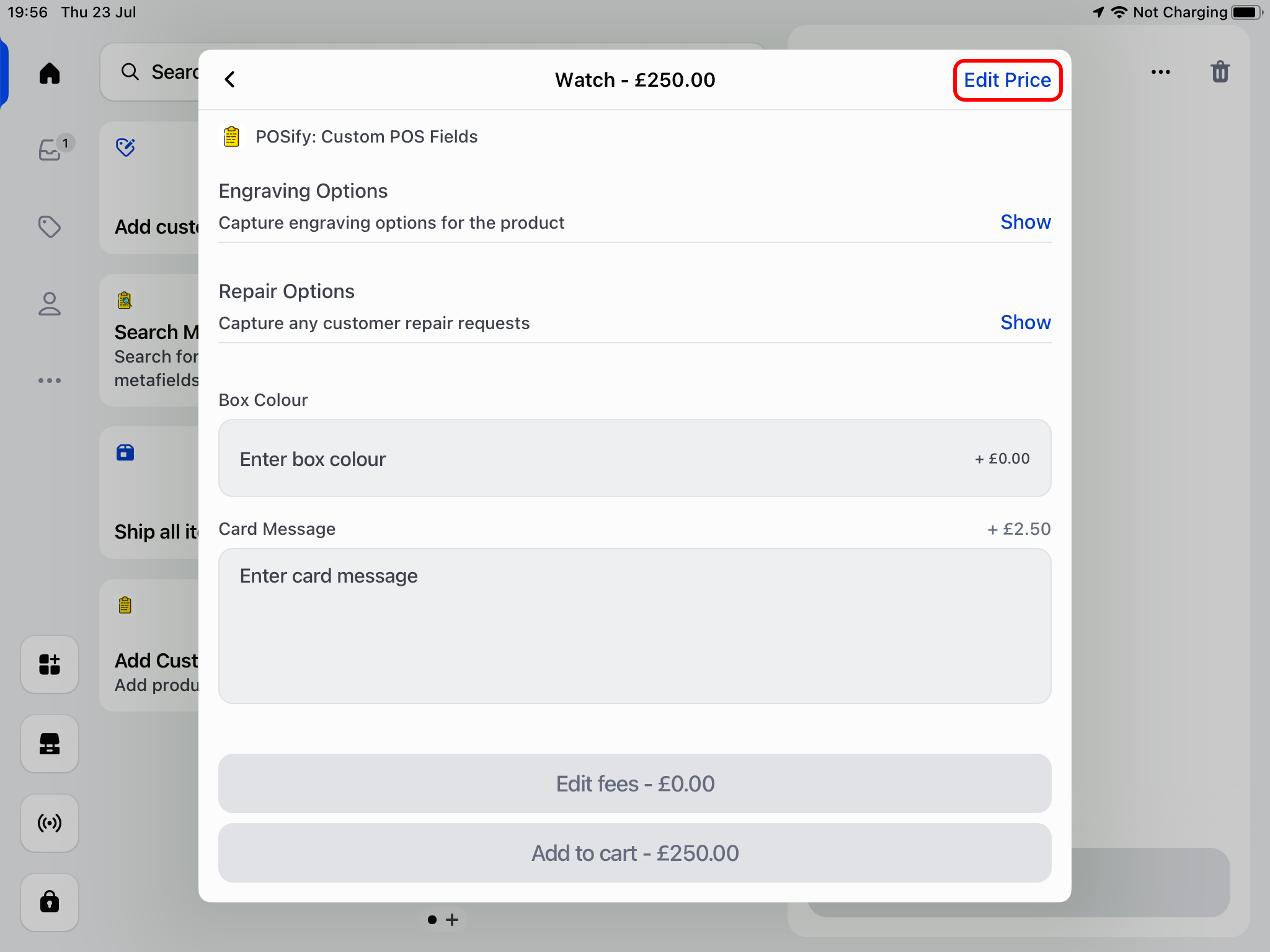
To edit the base price of a product in Shopify POS, first open the POSify app, and select a product/variant. Click the Edit Price button:
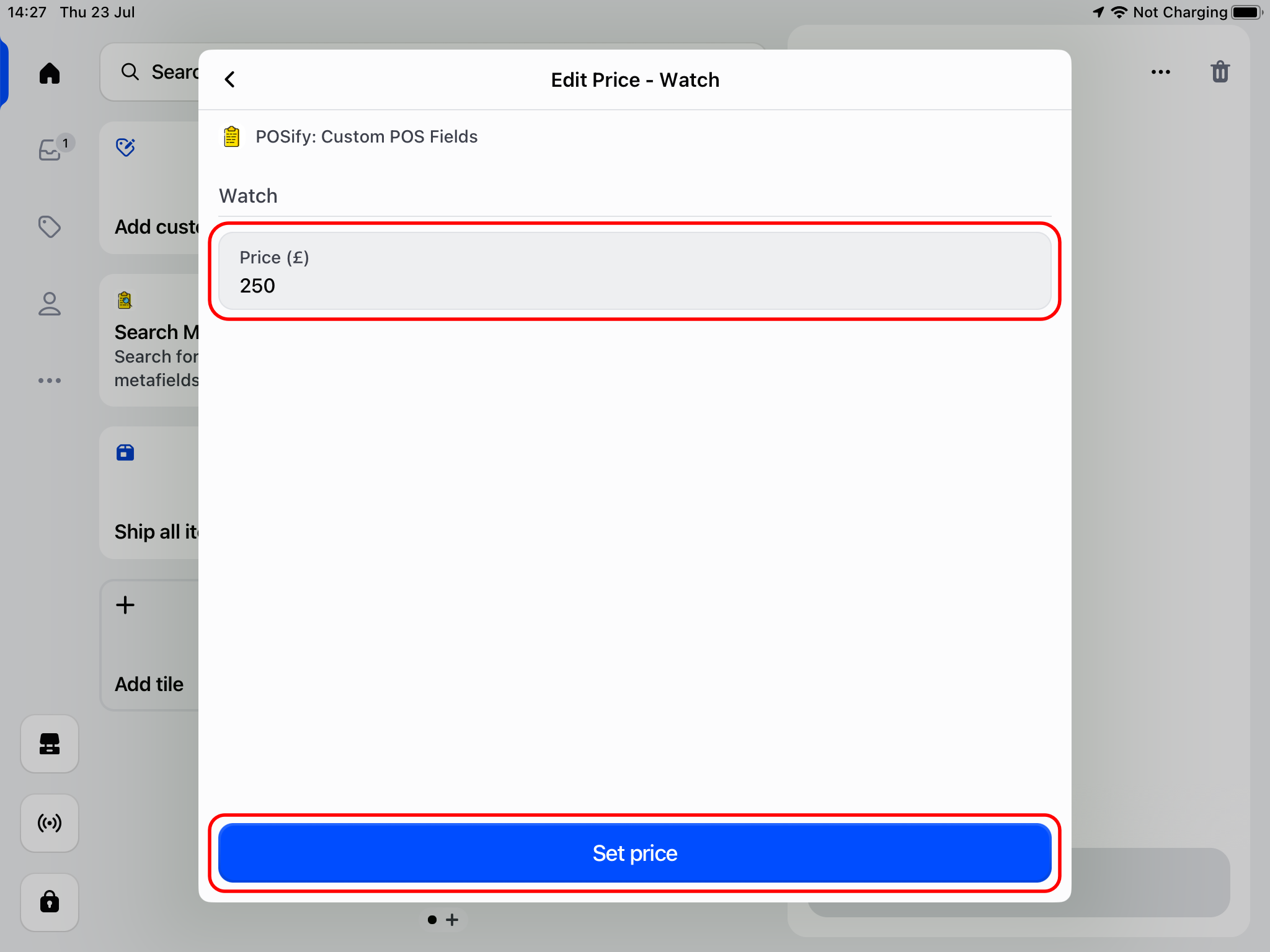
Enter the new price for the product, and click Set price:
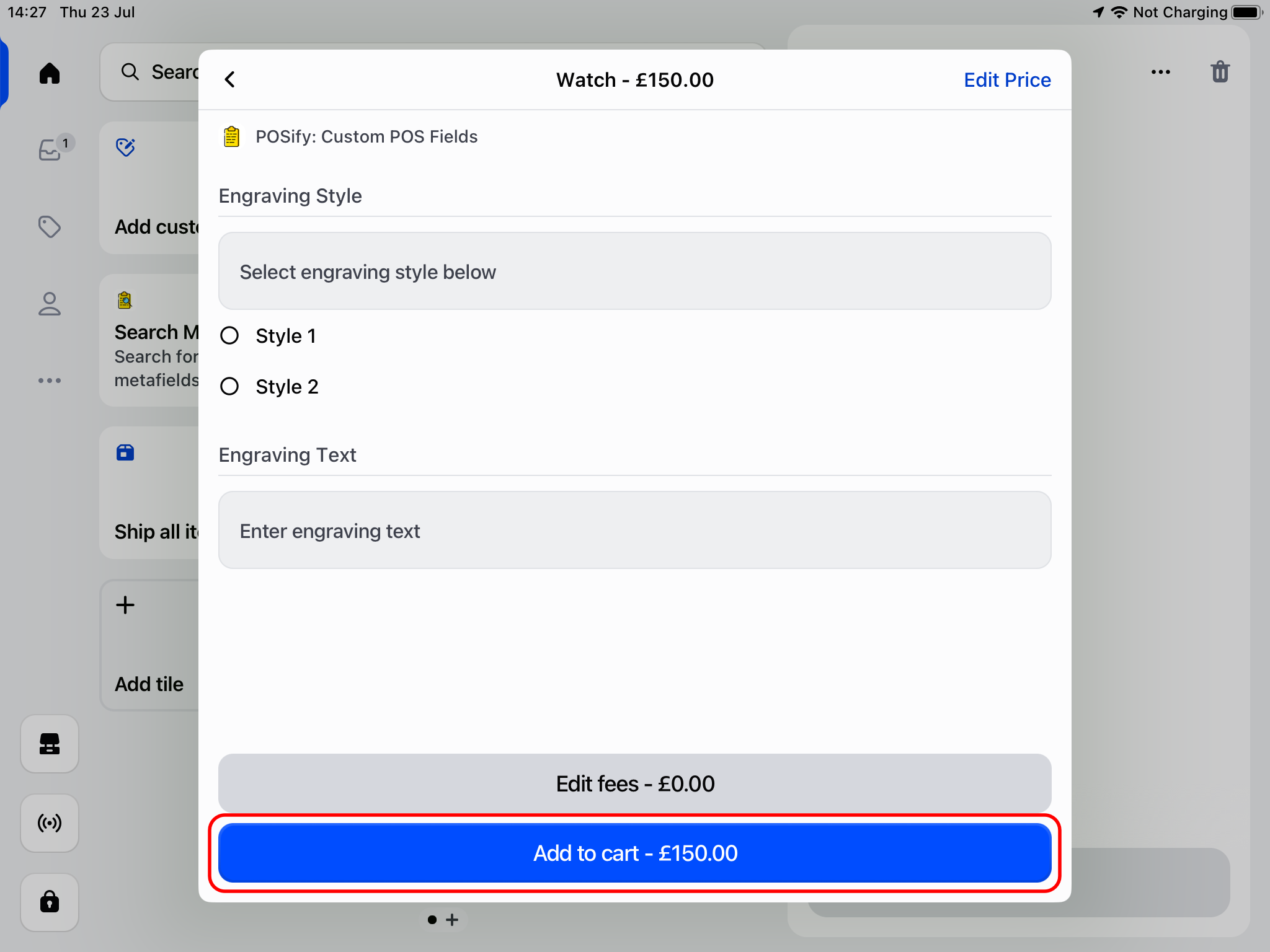
Add your customizatons if required, and then click Add to cart*:
Your product will then be added to the cart with the updated price: