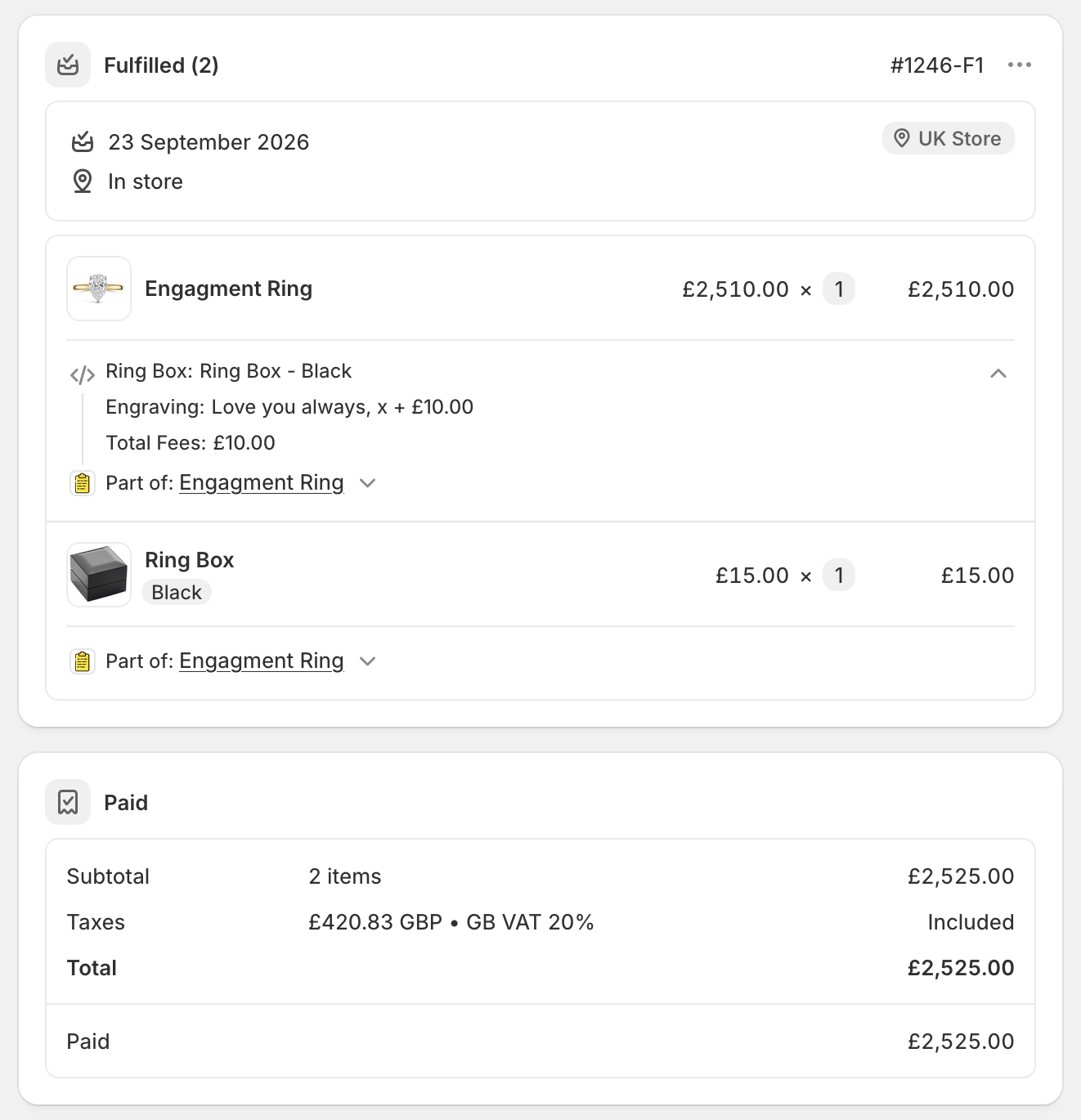
How can I select a product as a customization option?
With POSify, it's possible to select an existing product as a customization value, which will be bundled with the parent product when making a sale.
Creating the field
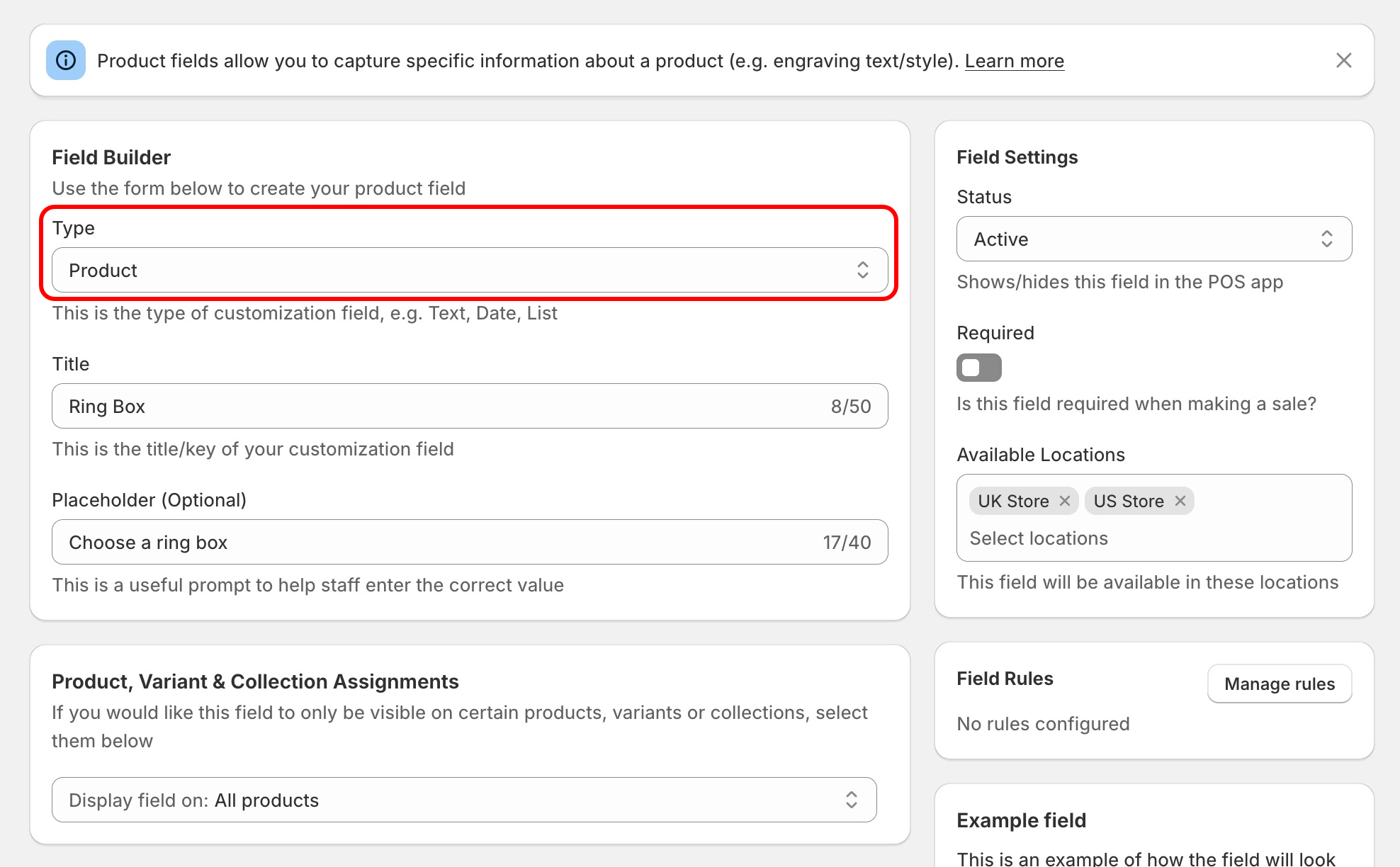
When creating a Product customization field, select the Product field type from the Type dropdown, and give your field a title:
Selecting the product in POS
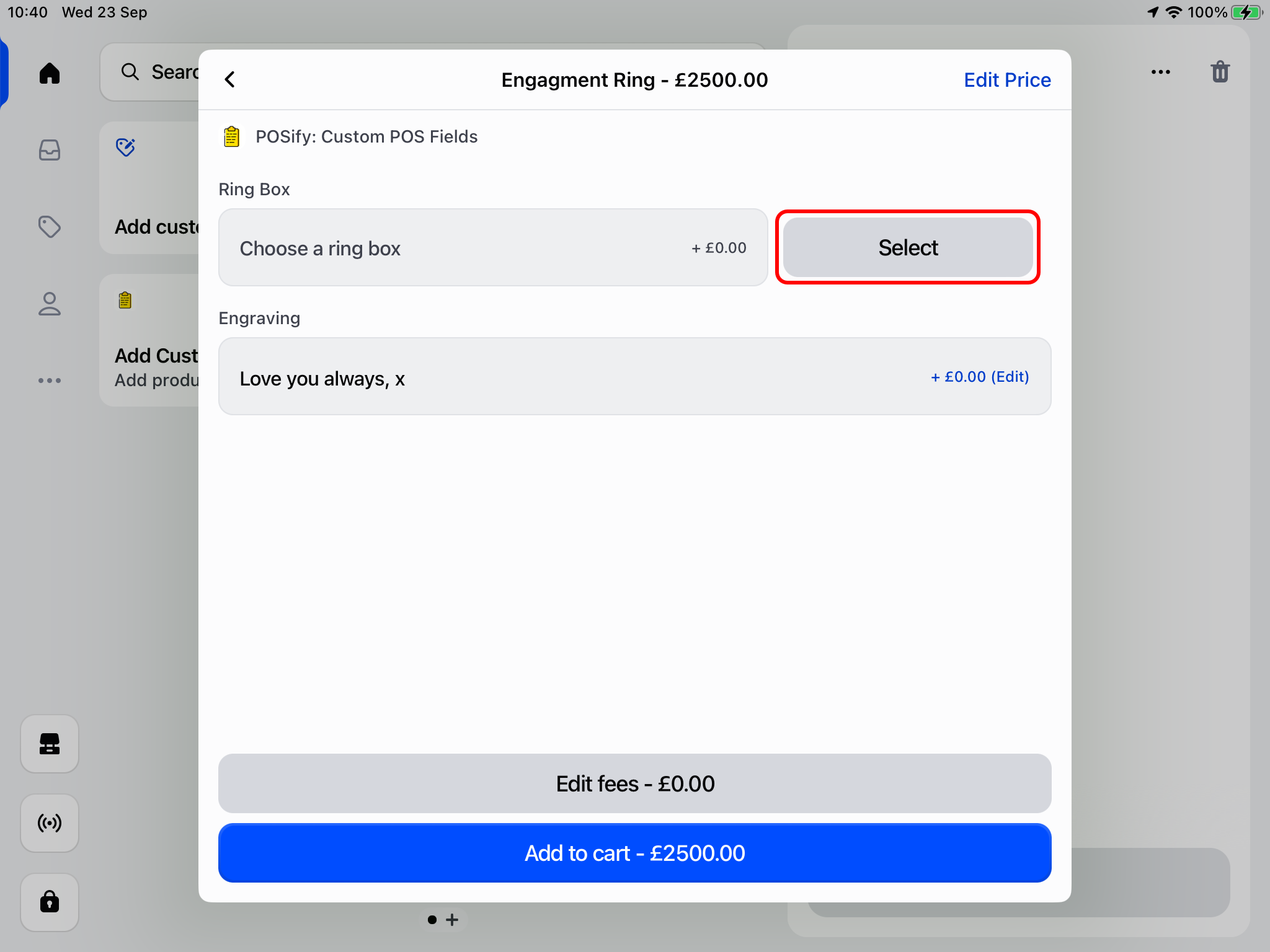
From the POSify product customization screen, click the Select button next to your product field:
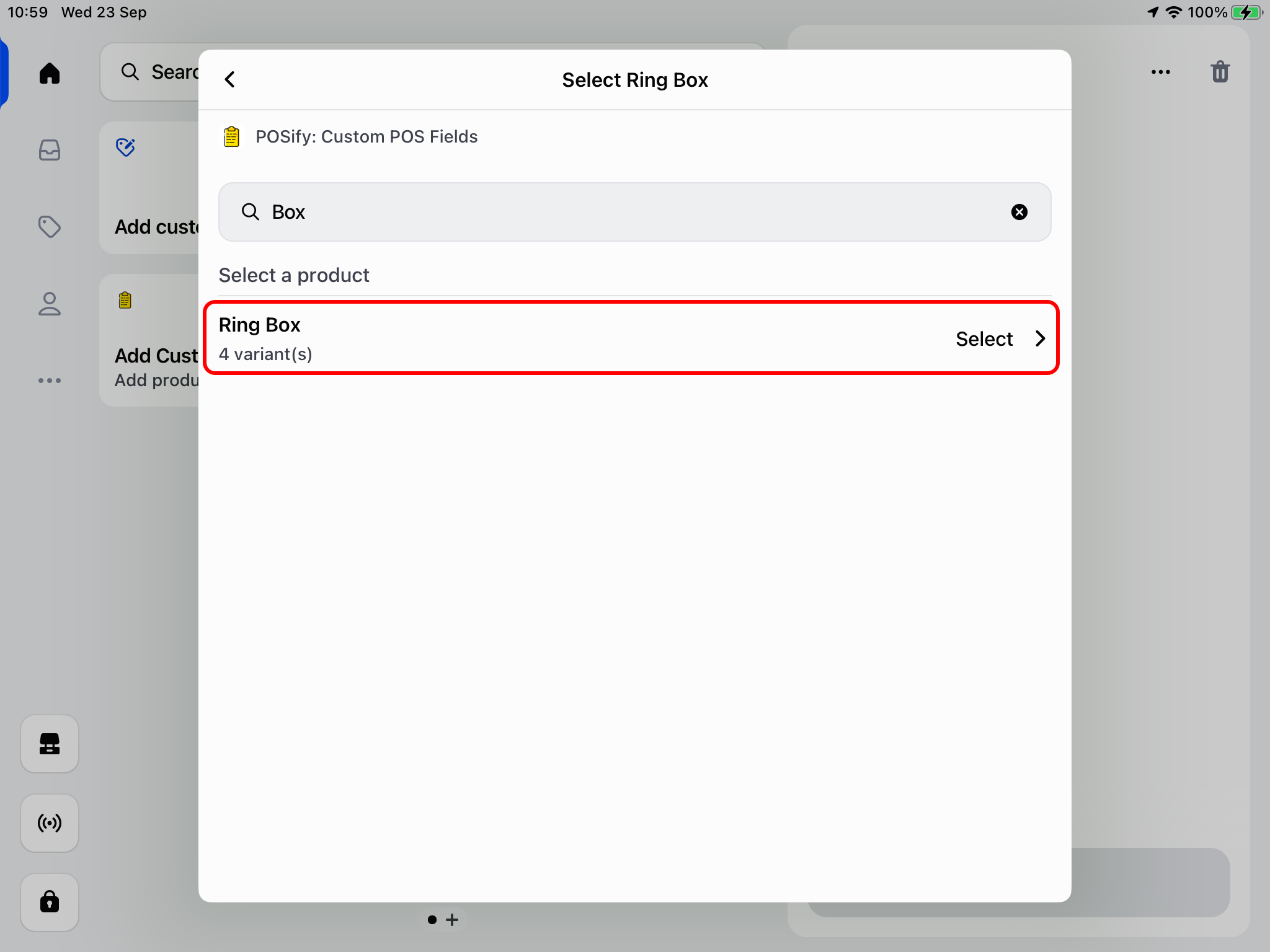
Next, search for the product you wish to bundle, and select it from the list:
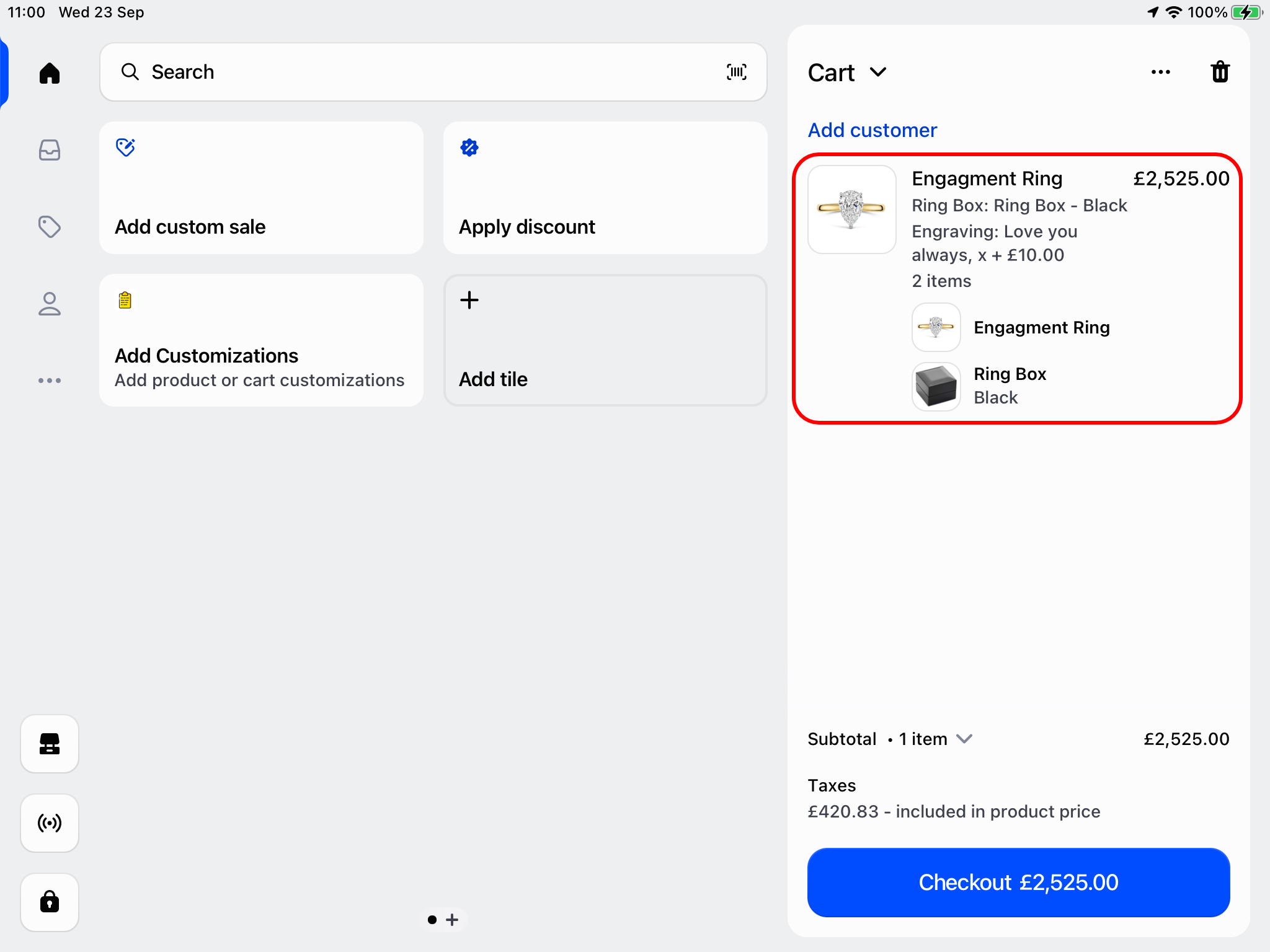
Once you've finished added your customizations, a new bundle will be added to the POS cart, containing the base product + any linked products, along with any customizations you've added:
Accessing the values in Shopify Admin
In Shopify Admin, a bundle will exist on the order, containing the base product, any linked products, and any customizations that you've added: